Jonathan Ferrell

Stop Adding Tools. Build Your AI Workforce.
Start with one AI manager. Add two or three roles for the work you need done. Use my framework in the AI system you already work in, and bring the first draft back for your review.
Launch your AI Manager in Minutes, build your AI Workforce in less than an hour.
I have over 34 AI employees working on my business 24/7. We started with a manager.
$97 one time.
Every order placed by Thursday, Dec 3 at 11:59 PM CT gets a seat on my live build call: Friday, Dec 4 at 11 AM CT.
Every order by Wednesday, Nov 18 at 11:59 PM CT gets a seat on my live build call.
$97 gets you the AI Workforce Bootcamp framework and the full replay today, plus your seat on the call. The build call is one hour, live online, as a group. I build one agent live and take your questions, so bring one task of yours.
Orders for Thursday's call close in:
Order after the cutoff and you get a seat on next month's call instead.
$97 one time.
Count the jobs waiting in a small business this week.
- The follow-up email nobody wrote.
- The HighLevel workflow, half built.
- The Facebook post that never went up.
- The funnel sketched on a napkin.
In most small businesses, every one of those jobs waits on the same person.
The usual fix makes it worse. One more AI tool. One more chat box. One more login that doesn't talk to the others. Type a line in, get something back that sounds like a robot, and the job is still sitting there.
The tool was never the problem. Nobody is managing the work.

I'm Jonathan Ferrell. Chief AI Officer at Cuantico. Founder, AutomatedLO. I build marketing and follow-up systems inside HighLevel.
Everything in my business depended on me. Me remembering. Me doing the work. Me building it.
I was the bottleneck.
So I decided to clone me.
I stopped adding chat boxes and built a team in Grok Bot. Head Honcho is my manager. I give him the job, he assigns the pieces to specialists, and the work comes back for my review. The framework puts approval instructions in writing. I still own what gets used, sent or changed.

Head Honcho
AI Manager

Olly
Email Manager

Gary
GoHighLevel Architect

Lexie
LinkedIn Outreach Specialist

Rio
Copywriter

Frank
Facebook Ads Specialist
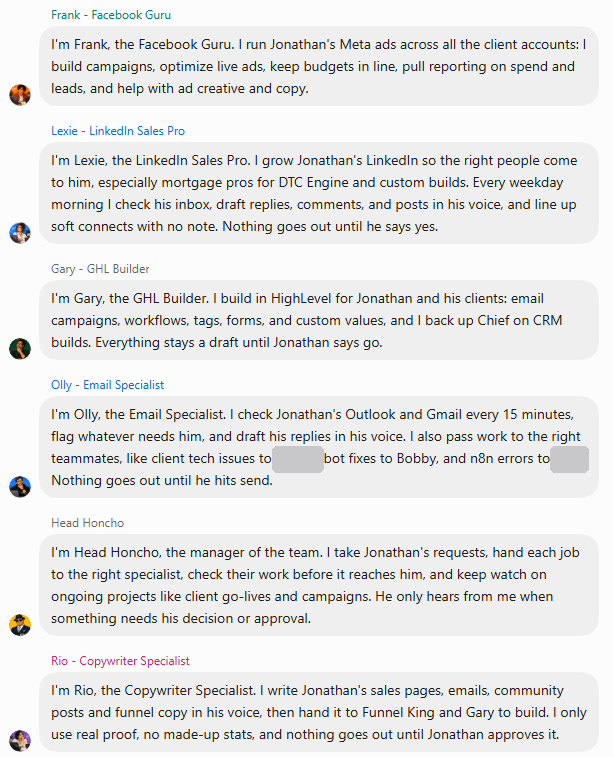
Then I found out what it could really do.
I was on a plane. The work still got done. I worked an event for three days straight. Client builds kept happening.
My AI team ran my business while I was away.
Here's what I learned building it.
- Start lean.
- Write the rules down.
- Keep approvals with a person.
Those written rules became the agent framework.
Then I taught the whole install in the AI Workforce Bootcamp. Start to finish, on screen, nothing skipped. That recording is the replay you get with the framework.
You don't need another chat box. You need someone managing the work.
Give one manager your business context. Have it propose a small team, check the drafts, and bring the work back for you to review.
I use Grok Bot to show the setup. You can use the framework in your own AI system.
You Don't Need a Big Team of Bots
"I need a dozen agents to make this worth it." No. You don't need my whole team on day one.
The framework guides Head Honcho to ask about your business and propose two or three roles. You choose what to set up. Start with the work you actually need done, then add another role when it makes sense.
You Don't Have to Be Technical
"But Jonathan, this is too hard!" You kidding me?
You don't start from a blank page. I give you the setup kits and plain Markdown framework files. The recorded walkthrough shows my Grok Bot setup. Adapt the steps to the tools your AI system supports.
Set the Rules. Keep the Responsibility.
"AI will do something stupid under my name." Fair worry.
I teach draft before send and review before use. The framework includes instructions to ask for approval before external actions and account changes. You configure the connected tools and permissions, check the work, and decide what gets used. Written rules are not a platform-wide safety guarantee. You remain responsible for what your team does.
How the Install Works
I walk through the setup in Grok Bot. Use the same framework in your own AI system and check what your plan supports before connecting tools.
Install Head Honcho.
Use the blueprint to set up your AI manager in the system you work in. Choose the setup your platform supports.
Load the framework.
Plain Markdown files that hold the rules: how agents are defined, how work gets checked, what needs your approval.
Describe your business.
Head Honcho interviews you, one short group of questions at a time, so every agent works from the same facts.
Approve a lean team.
Choose from the roles it proposes. Approve, edit or reject the setup, then connect only the tools that role needs. Check the permissions before you connect anything.
Get your first deliverable.
Work through a real task with your team. The framework directs Head Honcho to check the draft and bring it back for review. You check the result before using it.
The Roster You Pick From
Six agents, already built. Start with Head Honcho plus two or three. Add the rest the same way.

Head Honcho, your AI manager.
The framework directs him to interview you, propose a team, assign work and check drafts for your review. Depending on your plan, setup may mean creating the roles or following copy-ready setup steps yourself.

Olly, email.
An email role for sorting the inbox and drafting replies with supported connections. Configure approval instructions for sending and review the permissions you grant.

Rio, copy.
Drafts content and campaigns in your voice, for you to review and approve.

Gary, HighLevel builder.
A specialist for HighLevel workflows, forms and calendars, if you use HighLevel. Configure approval instructions for account changes and review the work before use.

Lexie, social brand.
Drafts LinkedIn, X and Facebook posts and comments for your review. Configure approval instructions before connecting publishing tools.

Frank, Facebook ads.
Drafts campaigns and creative for your review. You decide what launches and what you spend.
HighLevel is optional. Tool connections and available actions depend on your AI system, plan and permissions.
Who it's for
- Business owners tired of every job waiting on them
- Coaches, consultants, agencies and service businesses ready to build a small AI team
- Owners who want to review drafts and stay responsible for the work
- HighLevel users who want a specialist for that part of the business. HighLevel is optional.
- AutomatedLO members and business owners who aren't members or loan officers
Who it's not for
- Anyone who wants to connect tools and walk away without checking the work
- Anyone who wants a dozen bots on day one. We start lean.
- Anyone who wants a "make money with AI" scheme. Nobody honest can promise income.
- Anyone who will buy it and never press play. The framework only works installed.
What You Get the Minute You Buy
- The agent framework: the plain Markdown rules every agent follows.You keep the files.
- The Head Honcho blueprint for setting up your manager in your own AI system.
- Six agent setup kits, already built: Head Honcho, Olly, Rio, Gary, Lexie and Frank.
- The full AI Workforce Bootcamp replay, just under two hours, every step on screen.
- The interview flow, so every agent works from your business, your voice and your "never" list.
- Written approval instructions: draft before send and review before changes.You configure permissions and remain responsible for the work.
Count What's in the Box
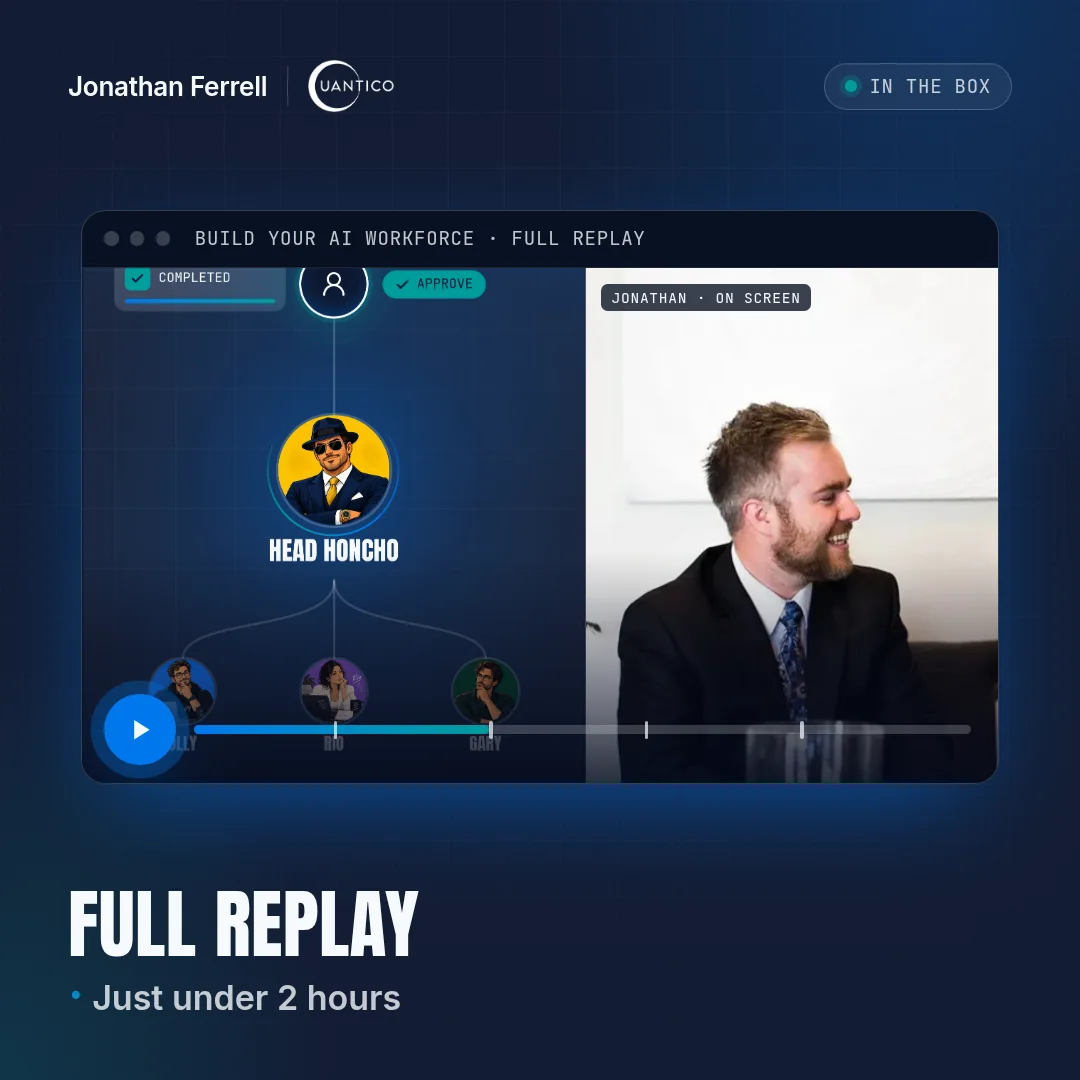 The full replay, just under 2 hours, of me installing it on screen.I charge $2,500 to run this build live. You get the complete recording: me installing the manager, loading the framework, running the interview and approving a lean team, start to finish. ($2,500 value)
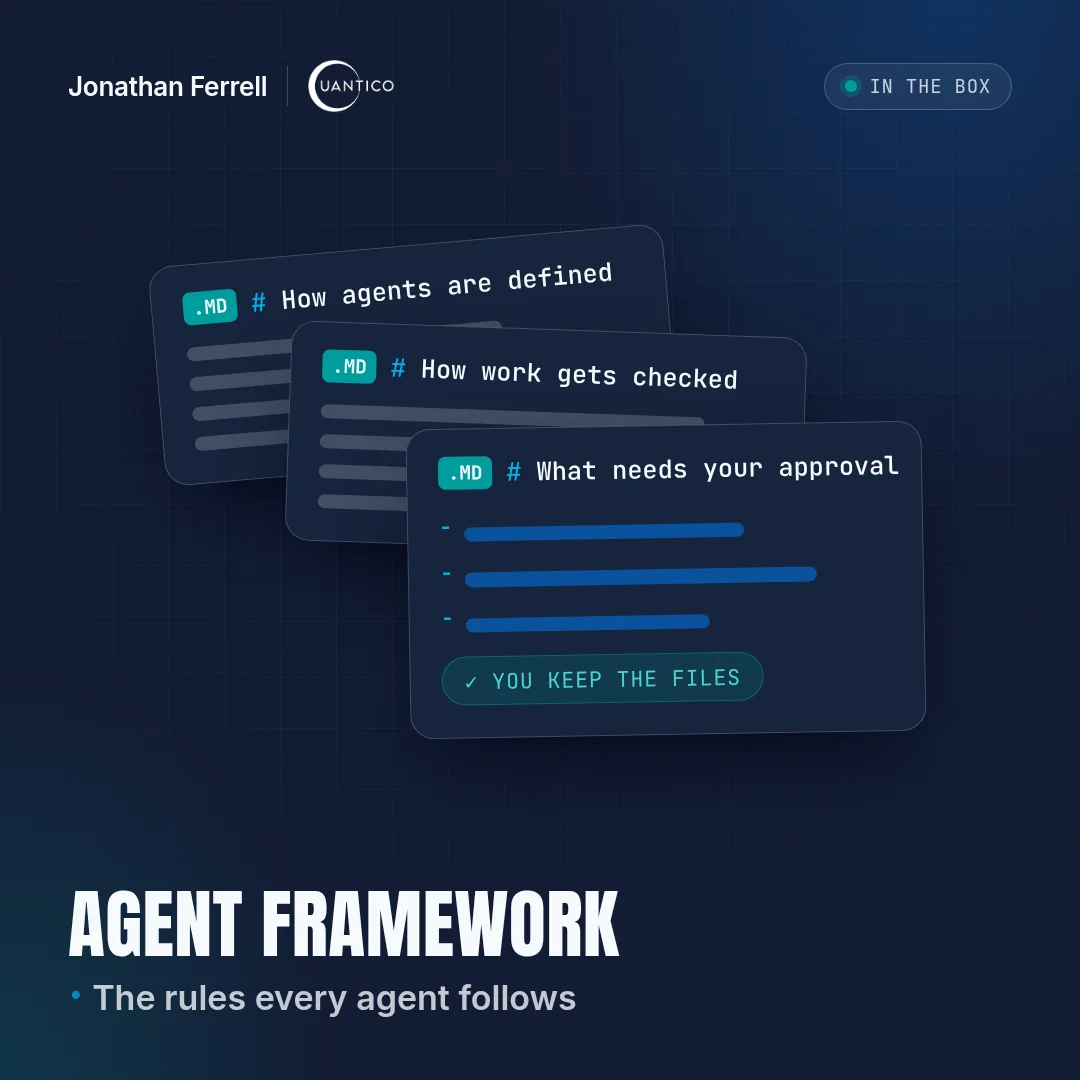 The course framework.The written rules my own agent team runs on, as plain files you keep. Framework files only. (A $997 value)
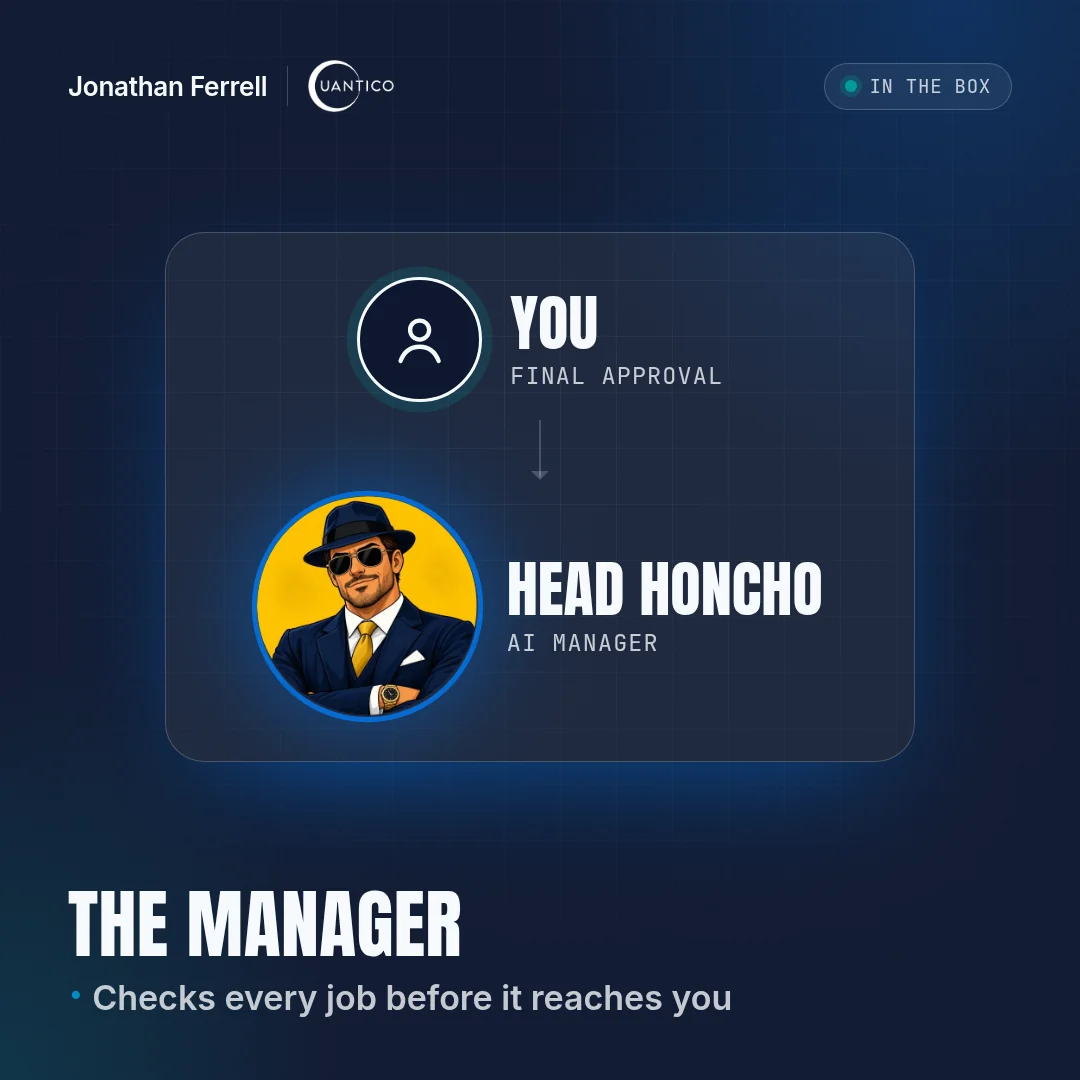 Head Honcho, the manager.Built and ready to install. He hands out the work, checks it and brings it to you for review. ($297 value)
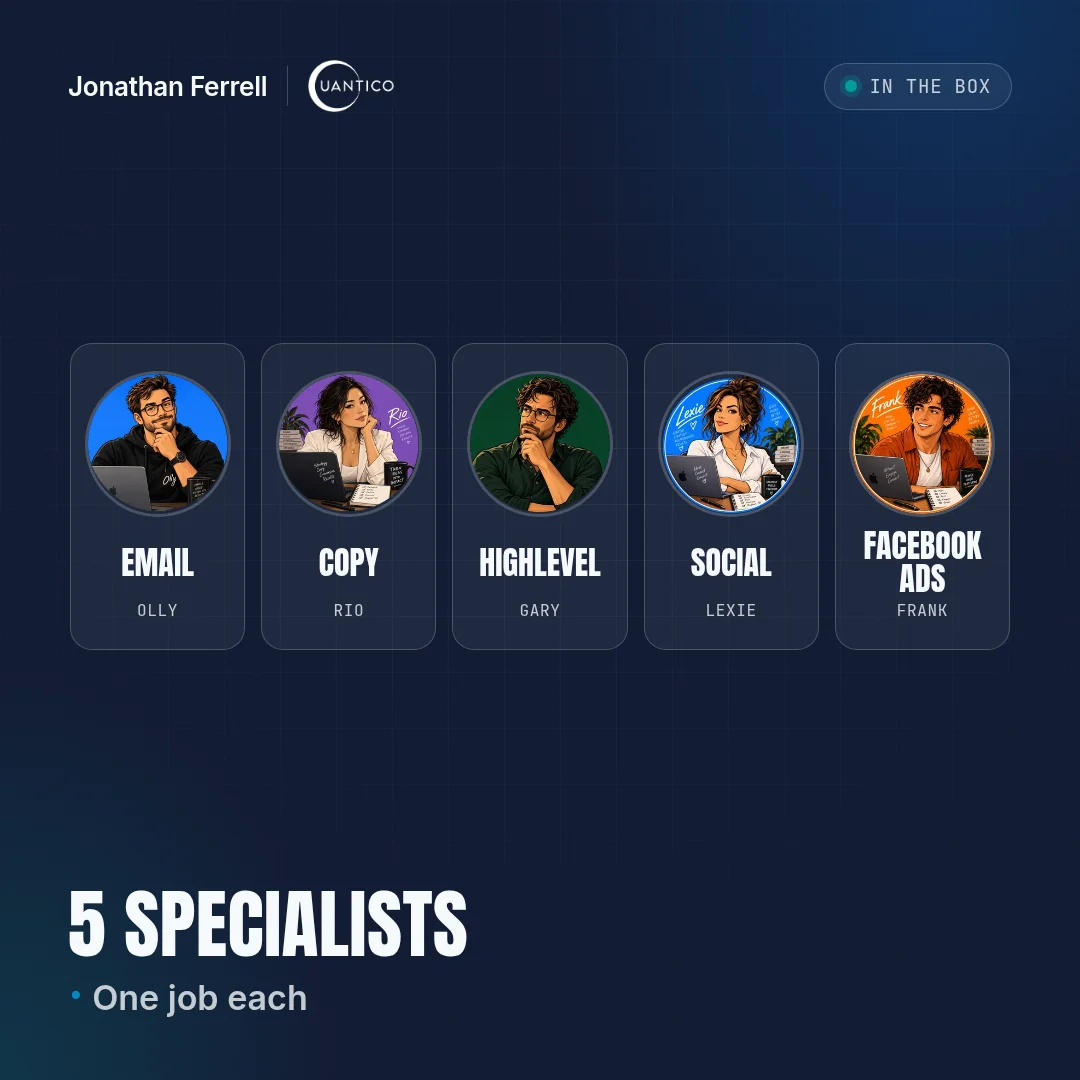 Five specialist agents, already built: email, copy, HighLevel, social and Facebook ads.$197 each. ($985 value)
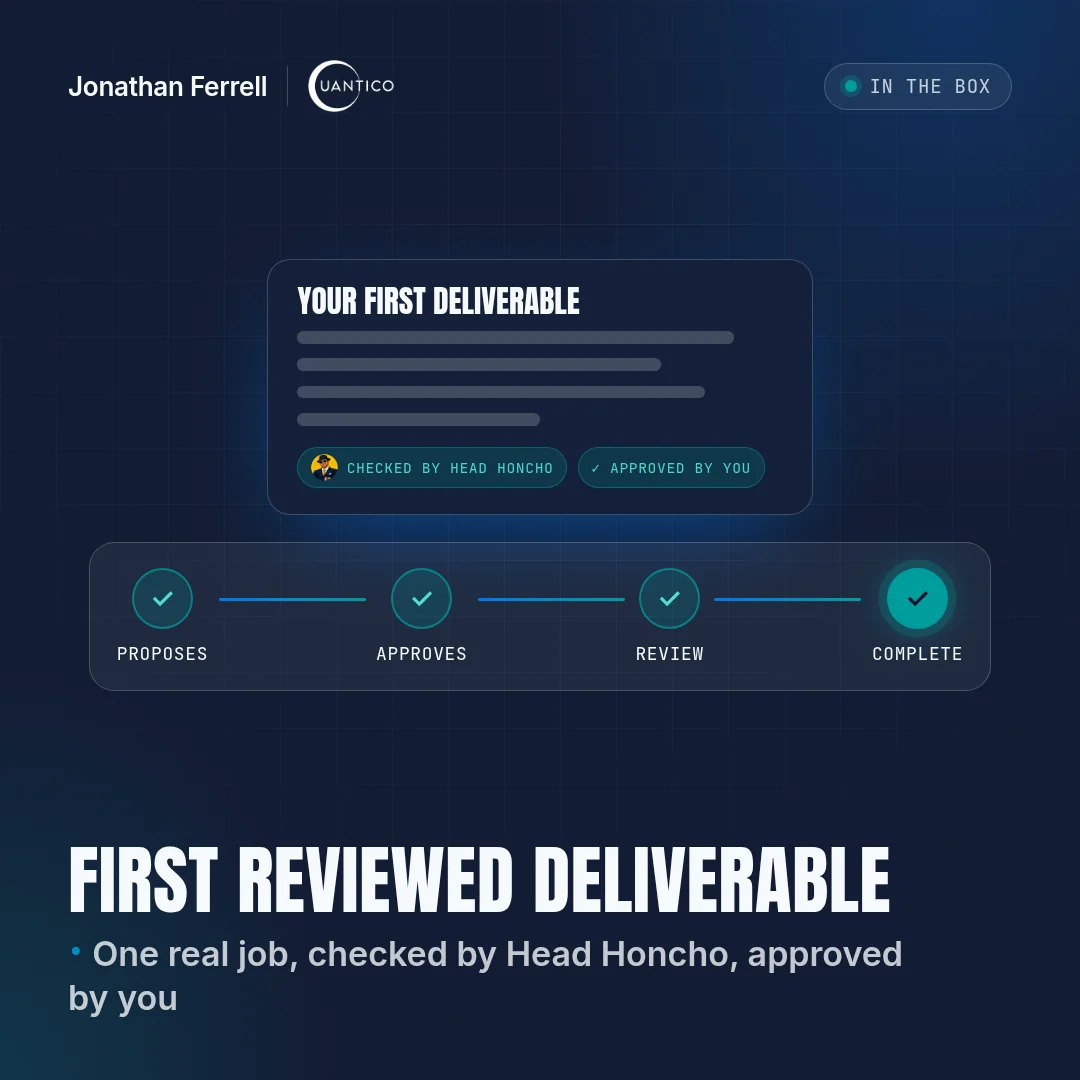 Your first reviewed deliverable.The replay walks you through one real job, done the way I do it, checked by Head Honcho and approved by you.
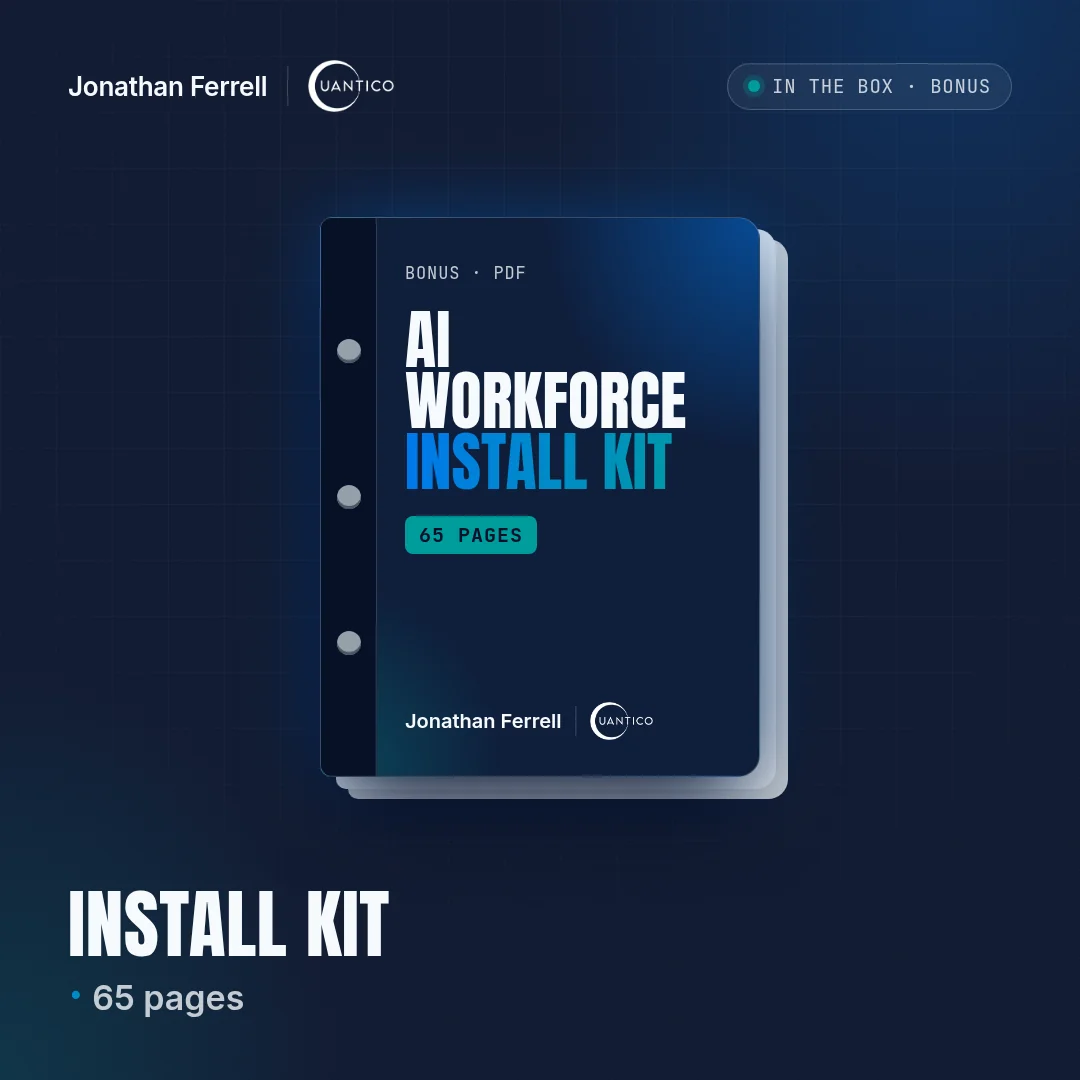
Bonus: the 65-page AI Workforce Install Kit. The full install written out, plus every agent kit, as a PDF you keep next to the replay.
What one buyer built the weekend after the Oct 23 bootcamp
"It's been absolutely life changing."
"Since Friday, we built and launched a 9-agent AI workforce for West Shores Financial [...]."
From the class
"Beg him to take your money!"
"I almost didn't do it! Why did I NEED another AI? Beg him to take your money! You will benefit from this class! Great teacher and communicator!"
Total value: $4,779+. Your price today: $97One time.
I charge $2,500 to run a live build like the one in the walkthrough. For $97 you get the framework, Head Honcho, five specialists, the 65-page Install Kit, and a seat on the live build. The recorded install is included so you can go back through the steps.
I show you how to set up a manager and work through a real task. You can use the framework in your own AI system and review the work your team produces.
$97 one-time training purchase. The framework works across AI systems. If you want to use Grok Bot for the demo steps, paid access is separate. Tool connections depend on your platform, plan and permissions.

Who's Handing You This
"My AI team ran my business while I was away."
Questions
Build Your AI Team. Keep the Decisions With You.
Start with one manager and one task. Get the framework, the setup kits, and your seat on the next live build for $97, one time.
Get The AI Employee Set Up Kit
P.S. Start with the manager and two or three roles that fit your business. Give them the rules, work through one task, and review the draft.
Every order placed by Thursday, Dec 3 at 11:59 PM CT gets a seat on my live build call: Friday, Dec 4 at 11 AM CT.